
Blog
From QR Scan to Served: How a Smart Restaurant Workflow Works
See how a modern restaurant can connect the guest's phone, AI ordering, kitchen, captain and order tracking into one seamless workflow.
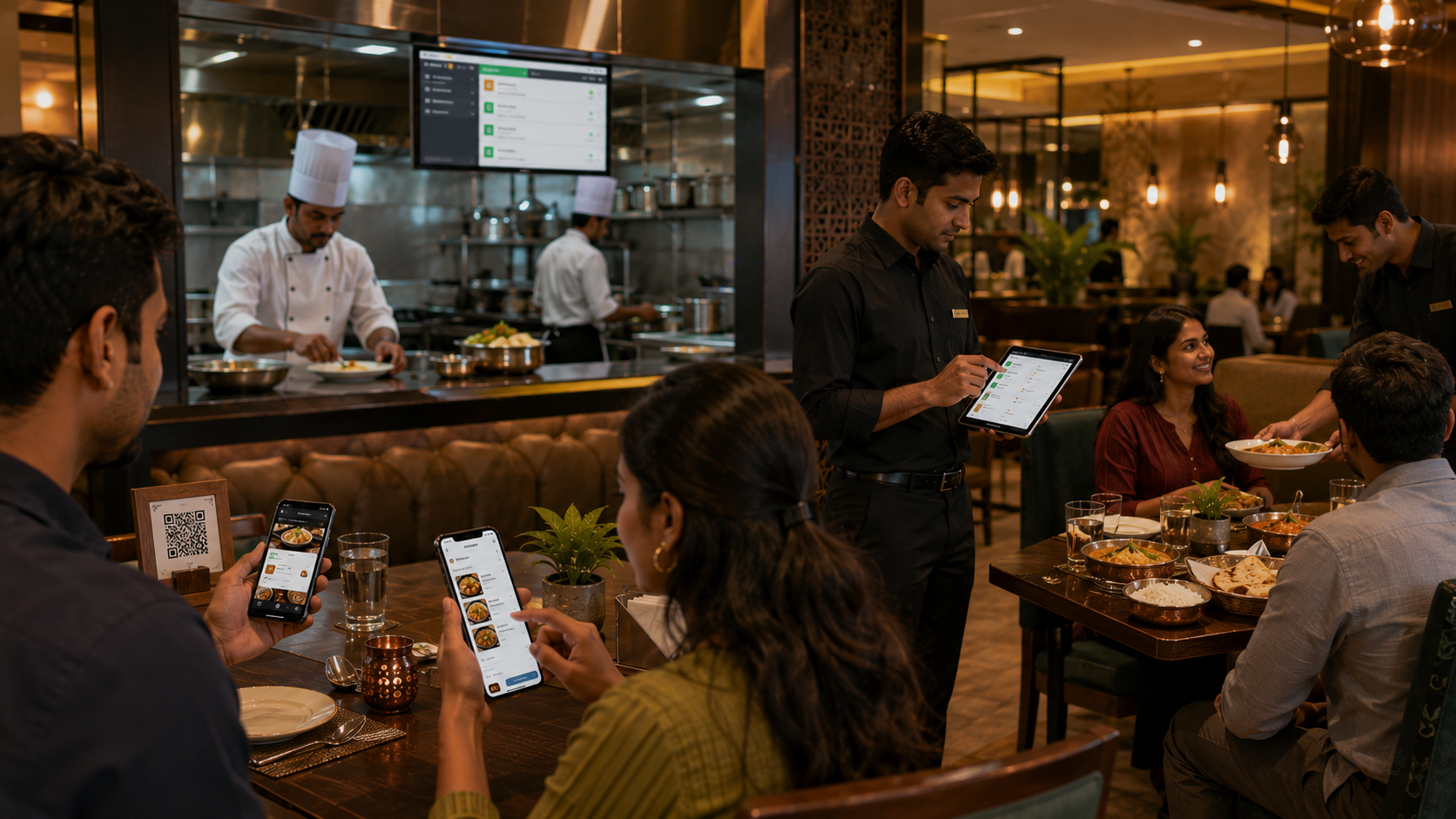
From QR Scan to Served: How a Smart Restaurant Workflow Works
A restaurant order looks simple from the customer's perspective.
But behind one order are multiple teams and systems.
The customer needs to browse the menu.
The captain needs to know the table.
The kitchen needs the order.
The food needs to be prepared.
The customer needs to know when it is ready.
The captain needs to serve it.
A connected restaurant workflow brings these steps together.
Step 1: Customer scans the QR code
The customer scans the QR code at the table.
The digital menu opens directly in the browser.
No app installation is required.
Step 2: Customer explores the menu
The customer can browse categories, food photos, descriptions, prices and available items.
Step 3: AI helps the customer
The customer can ask questions such as:
"What's good for someone who likes spicy food?"
"Is this vegetarian?"
"What is this dish made from?"
The AI helps the customer understand the menu.
Step 4: Customer places the order
The customer adds items to the cart and submits the order.
The restaurant receives the order digitally.
Step 5: Kitchen receives the order
The order reaches the kitchen workflow.
Kitchen staff can see:
- Table
- Items
- Quantity
- Special instructions
- Order time
Step 6: Kitchen starts preparing
The kitchen changes the status to:
Preparing
The customer can see the updated status.
Step 7: Food becomes ready
Once preparation is complete, the kitchen marks the order:
Ready
The relevant restaurant staff can then serve it.
Step 8: Customer needs assistance
The customer needs a napkin.
Instead of searching for a captain, they tap:
Quick Assistance → Napkin
The captain receives the request.
Step 9: Customer requests the bill
When the meal is finished, the customer can request the bill digitally.
The restaurant team receives the request.
One connected journey
The entire experience becomes:
QR
↓
Digital Menu
↓
AI Assistance
↓
Order
↓
Kitchen
↓
Preparing
↓
Ready
↓
Serve
↓
Quick Assistance
↓
Bill
This is more than QR ordering.
It is a connected restaurant operating workflow.
Why this matters
When every stage is connected, restaurants gain visibility into what is happening across the dining room and kitchen.
Customers get faster information.
Captains get structured requests.
Kitchen staff get clear orders.
Managers get operational visibility.
The Peppar approach
Peppar brings the guest experience and restaurant operations together.
The customer interacts with one digital interface while the restaurant team works through its operational interfaces.
The result is a restaurant that is easier to operate and easier for customers to navigate.
One guest. One table. One connected workflow.
Put this into practice with Peppar
Limited-time ₹0 deal for listing and a digital menu. Upgrade later for POS and guest ordering.
contact@peppar.in · +91 974-0825078